
Cracked Phone Screen Repair in Sydney CBD: A Practical Guide
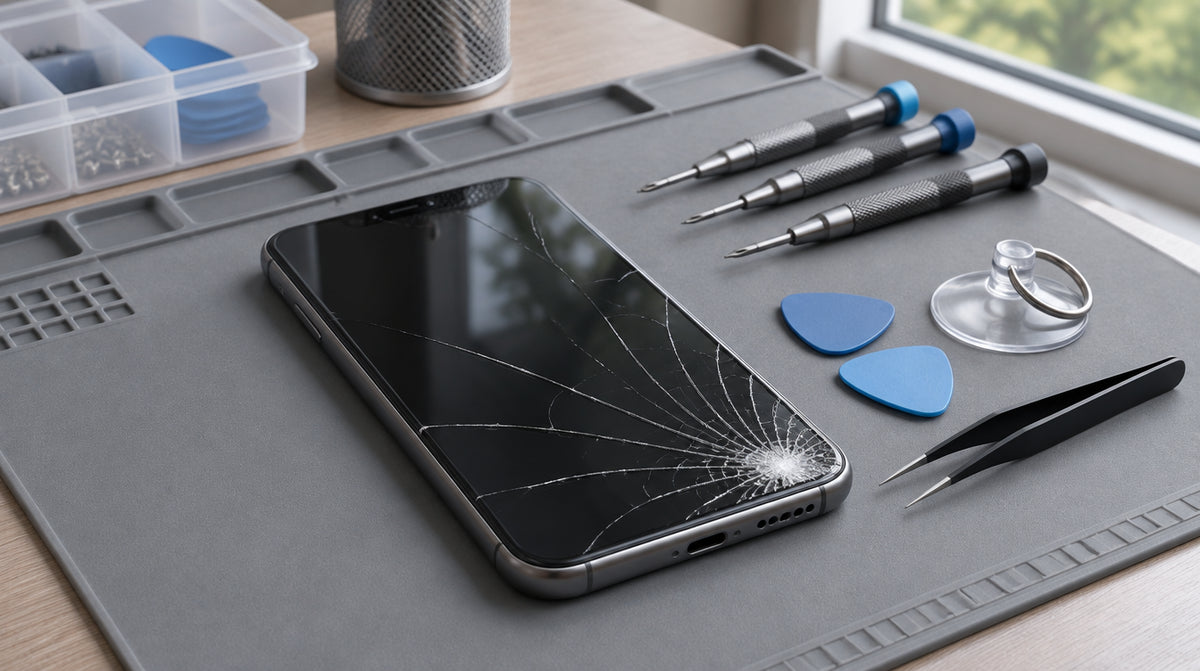
Dropped your phone on the way through Wynyard? You're not alone. A cracked screen is one of the most common phone problems there is, and in most cases the screen can be replaced. The catch is that some types of screen damage get worse quickly, and a few decisions you make before the repair can affect how your phone works afterwards.
Here's how to tell what kind of damage you have, what to do straight away, and what to ask before any phone screen repair in Sydney CBD.
Cracked glass or a damaged display? Know the difference
A modern phone screen is a stack of layers bonded together: the outer cover glass, the touch layer that reads your taps and swipes, and the display panel that makes the picture. Most recent iPhones, Samsung Galaxy and Google Pixel phones use OLED panels, where every pixel produces its own light. Which layer is damaged makes a big difference to how urgent the repair is.
Cracked outer glass only
If the glass is cracked but the picture looks normal and touch still works across the whole screen, the display underneath is probably fine for now. You can usually keep using the phone for a short time, but cracks tend to spread with everyday knocks and pressure in a pocket or bag.
Damaged display panel
Signs that the panel itself is damaged include:
- Black spots or ink-like marks, especially ones that grow over time
- Green, pink or white lines running across the screen
- Flickering, patches of uneven brightness or areas that stay dark
- Parts of the screen that don't respond to touch, or "ghost touches" where the phone taps by itself
- A completely black screen even though the phone still rings or vibrates
Panel damage can happen even when the glass isn't cracked, for example after the phone has been sat on or squeezed in a tight bag. Restarts and software updates won't fix physical pixel damage, and spots and lines often spread, so this kind of damage is worth getting checked sooner rather than later.
Tip: grime or a cracked screen protector can also cause ghost touches, so clean the screen and remove a damaged protector first.
Why it's worth not waiting too long
- Damage spreads. Small cracks and black spots rarely stay small.
- Glass splinters. Sharp edges can cut fingers, cheeks and ears.
- Dust and moisture get in. A broken screen leaves the inside of the phone more exposed to everyday dust and spills.
- You could lose access. If touch stops working, it becomes much harder to unlock the phone, back it up or move your data to a new one.
What to do straight after you crack your screen
- Back up your phone now. On iPhone, use iCloud Backup or back up to a computer. On Android phones, use your Google account backup, or Samsung Smart Switch on a Galaxy. A fresh backup is your safety net if the screen stops working completely.
- Protect your fingers. If the glass is loose or sharp, cover it with a clear screen protector or clear tape until it's repaired.
- Take the pressure off. Keep the phone out of back pockets and tightly packed bags, where pressure can widen cracks.
- Note the symptoms. Jot down anything else that isn't working, such as Face ID, the front camera or the earpiece. It helps a technician diagnose the problem quickly.
iPhone screen repair: check Parts and Service History
If you have an iPhone 11 or later (excluding iPhone SE 2nd and 3rd generation), iOS keeps a record of replaced parts. Go to Settings → General → About and scroll down to Parts and Service History. The section only appears if the phone has had a part replaced or a part isn't working as expected.
According to Apple, you might see one of these messages next to Display:
- Genuine: the repair used a genuine Apple part and Apple's repair process.
- Used: on iPhone 15 and later with iOS 18 or later, a genuine display that was previously installed in another iPhone.
- Unknown Part: the display isn't a genuine Apple part, the installation is incomplete, or the part isn't working as expected.
An Unknown Part message doesn't stop you using your iPhone, but Apple notes that it may affect trade-in value, and that non-genuine displays can have issues such as uneven brightness or a lower maximum brightness. That's why it's worth asking any repairer which type of screen they'll fit and what that means for your model before you say yes. If you plan to sell or trade in your phone later, it matters even more.
Samsung Galaxy and Google Pixel screen repairs
Many Galaxy S and Pixel models have the fingerprint sensor built in under the display, so after a screen replacement you may need to register your fingerprints again. Curved-edge and foldable screens, like those on the Galaxy Z Fold and Z Flip, are more complex parts, so cost and turnaround can vary more from model to model. As with iPhone, ask what type of replacement screen is being used.
Questions to ask before any phone screen repair
- What type of replacement screen will you use, and are there different options for my model?
- Will Face ID or the fingerprint sensor, the front camera and auto-brightness all work afterwards?
- What warranty comes with the repair, and what does it cover?
- Do I need to leave my passcode, and what happens to my data during the repair?
- Can we test the phone together before I leave?
A good repairer will answer these clearly and quote before starting work.
Repair or replace?
A screen repair is usually the right call for a phone that's otherwise in good shape. But if your phone is several years old, the battery is also worn, or there's other damage such as a cracked back or a loose charging port, the repair costs can add up. In that case, a refurbished phone can be a practical alternative.
Phone Exchange grades its refurbished phones as Brand New, Premium, Like New, Excellent, Good or Fair, so you can choose how much cosmetic wear you're comfortable with. If your iPhone battery is also struggling, our guide on how to tell if your iPhone battery needs replacement can help you decide.

Apple iPhone 13: a straightforward step up if you're moving on from an older iPhone and want to stay with Apple. Browse all refurbished iPhones to compare models and condition grades.

Samsung Galaxy S24: the most compact model in the Galaxy S24 range, if you'd rather stay on Android. See the full Samsung Galaxy range for more options.
Prices vary by model, storage and condition grade, so check each product page for current pricing.
Phone screen repair at Wynyard Station, Sydney CBD
Phone Exchange has a kiosk inside Wynyard Station in the Sydney CBD, handy if you commute through the city. We repair cracked and damaged screens on iPhone and Samsung Galaxy phones, and if you have another model, just ask. Every repair comes with a 1-year repair warranty.
Screen repair prices depend on your model and the current cost of parts, so the quickest way to get an accurate quote is to visit us at Wynyard or get in touch. You'll find more details on our phone screen repair page and our Wynyard Station store page.
Frequently asked questions
Can I keep using my phone with a cracked screen?
If only the glass is cracked and touch works everywhere, usually yes, for a short time. Cover sharp edges and back up your data. If you see black spots, lines or touch problems, get it checked as soon as you can.
Will a screen repair delete my data?
Replacing a screen doesn't normally involve erasing your phone. Still, any repair carries some risk, so back up before you hand it over.
How much does phone screen repair cost in Sydney CBD?
It depends on your phone model and the current cost of the replacement part. Visit our Wynyard Station kiosk or contact us for an up-to-date quote.
Is there a warranty on screen repairs?
Yes. Repairs at Phone Exchange come with a 1-year repair warranty.
Get your screen sorted
Drop into Phone Exchange at Wynyard Station for a screen repair quote. Ready for something new instead? Shop refurbished iPhones or Samsung Galaxy phones online, delivered in 2–3 business days.